
Library
The library is the home tab: every series you've favorited, organized your way.
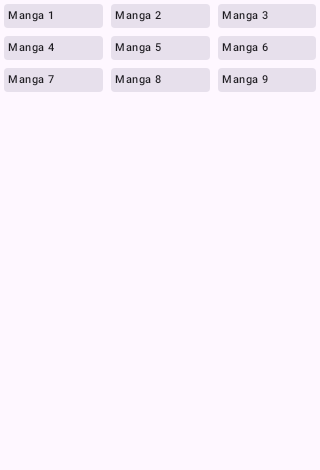
Categories
- Create categories and assign manga to any number of them.
- Per-category update schedules — set a category to update automatically, only manually, or on app start. Your "Ongoing" category can refresh hourly while "Completed" never wastes a request.
- Dynamic categories — rule-based categories that populate themselves (by source, status, genre, and more).
- Categories can be locked behind the app's biometric lock.
Finding things
- Instant search is backed by a full-text index (title, author, artist) — results appear as you type, even with thousands of entries.
- Filter by unread, downloaded, completed, tracked; sort by title, last read, latest chapter, date added.
- The continue reading carousel at the top jumps you straight back into whatever you were last reading.
Making entries yours
- Custom covers — replace a bad scraped cover with any image from your device (Details → overflow → Set custom cover).
- Edit metadata — override title, author, artist, description, genres, and status per entry; your edits survive library updates and are included in backups.
- Chapter notes — attach a private note to any chapter from the Details screen or the reader.
Keeping it clean
- Duplicate detection finds the same series added from different sources and offers to merge reading progress, fill missing chapters, or link them as alternative sources.
- Library maintenance (Settings) scans for orphaned download folders left behind by deleted entries and shows exactly how many folders and megabytes you'll reclaim before deleting.
- Migration — move a series (or your whole library) from a dying source to a better one with the built-in migration wizard. Pick what comes with it: reading progress (including your History entries and the time you've already spent reading), categories, tracker links, notes, downloads and a custom cover.
Updates
Library updates run in the background with smart strategies (skip completed series, respect per-category schedules) and a notification summary. An update history screen shows each run's stats — checked, new chapters, failures — so you can see if a source is flaking.